 VS Code
The opencode VS Code extension wires the agent into the editor's sidebar, with inline diffs and one-click apply.
code.visualstudio.comopencode is an open-source CLI that lets an AI read your code, propose edits, run commands, and ship pull requests — directly from your Linux terminal. It runs against your favourite models, on your machine, with your data staying where you put it. This page is the Linux Institute guide to actually using it.
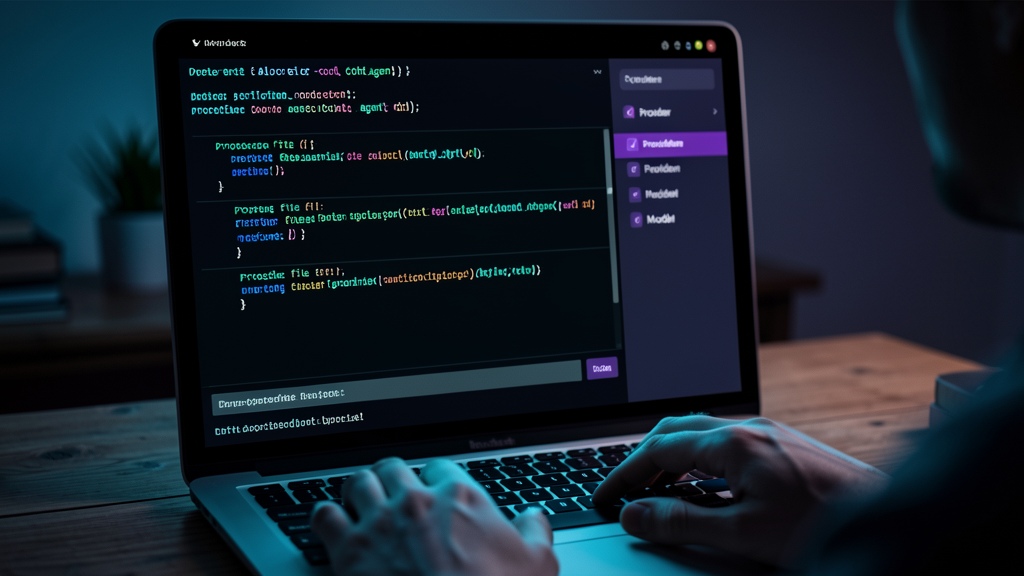
opencode is a Textual-based TUI plus a headless CLI that you point at a repo. It reads files, edits them, runs tests, calls tools, and hands back a diff. It is one of several open-source agents in this category — comparable in shape to Claude Code, less polished at the edges, and tunable in ways that the closed-source alternatives are not.
VS Code
The opencode VS Code extension wires the agent into the editor's sidebar, with inline diffs and one-click apply.
code.visualstudio.com Docker
Run opencode without installing anything system-wide. The official image bundles Node, common helpers, and the agent itself.
docker.comYou run it inside the directory you want worked on. Files, env vars, git, npm, pytest — everything the terminal already knows about, opencode already knows about.
Wire it up to Anthropic, OpenAI, Google, OpenRouter, or a self-hosted Ollama / vLLM endpoint. Cost and quality are your choice, not the agent’s.
opencode proposes edits as diffs before writing them. You approve, edit, or reject each block. The terminal is the review surface; the result is a normal git commit.
Wire in your GitHub, Postgres, browser, custom internal API. Anything that speaks the Model Context Protocol becomes a tool opencode can call.
The recommended install is a single shell command. No package manager fight, no hidden services, no daemon.
npm i -g opencode-ai@latest
opencode --version
Recommended for Linux distros where Node is already installed for other tooling.
brew install anomalyco/tap/opencode
opencode --version
Linuxbrew works for this. Use it if you already manage system packages that way.
curl -fsSL https://opencode.ai/install.sh | bash
opencode --version
A static-ish install script. Lands at ~/.opencode/bin/opencode. Add it to PATH if your shell doesn’t find it.
If you prefer not to install anything system-wide, Docker is also viable: docker run -it --rm -v $(pwd):/app ghcr.io/sst/opencode opencode.
Once installed, the first run is the longest because you choose models and sign in. Subsequent sessions are pure terminal muscle memory.
cd into a real project. opencode scans the tree before it answers, so context matters.
opencodeThe TUI launches. Use it for multi-turn work, swapping models, resuming sessions.
opencode run 'task'Bounded, one-shot mode for automation. Exits when done. Perfect for cron jobs and CI.
Approve, edit, or reject each block. Don’t accept a diff you cannot read.
opencode will work anywhere, but Linux is where it has the least friction. The reasons are unglamorous and add up.
Most teams settle into one of three rhythms. Pick the one that matches how cautious you want to be about code you didn’t personally write.
You write a ticket-level prompt. opencode proposes a diff. You read every change, edit what doesn’t match, approve. Nothing lands without your eyes on it.
Best for: Production codebases, junior teams, anything where you can’t lose the weekend to a botched rewrite.
You open the TUI and iterate in real time. “Make the test pass.” “Add a TypeScript type.” “Why did you pick this approach?” Treat opencode as a junior pair, not a contractor.
Best for: Refactors, exploratory work, learning a new codebase alongside a real engineer.
Run opencode run 'fix the failing CI job' from cron. Read the diff in the morning. Same shape as the cautious mode — but the trigger is your scheduler, not your fingers.
Best for: Bulk migrations, dependency upgrades, integration tests nobody writes by hand.
opencode is provider-agnostic at the API level. Configure multiple, switch with one keystroke, fall back automatically.
| Provider | What it gives you | When to reach for it |
|---|---|---|
| Anthropic Claude | Strong reasoning and large context. Strongest out-of-the-box default for coding. | Daily driver, paid plan or API key. |
| OpenAI | Broad model line-up, generous limits, ecosystem fit. | You already pay for ChatGPT Plus or have an API key. |
| Google Gemini | Very large context window, multimodal inputs. | You want to drop entire repos into the prompt. |
| OpenRouter | Single API for many models. Easiest way to A/B test. | Comparing models or hedging against single-vendor lock-in. |
| Ollama (local) | Open-weight models on your hardware. Fully offline. | You keep code on disk and want it to stay there. |
| vLLM (local) | High-throughput local inference for serious models. | Your team has a GPU server and wants shared local capacity. |
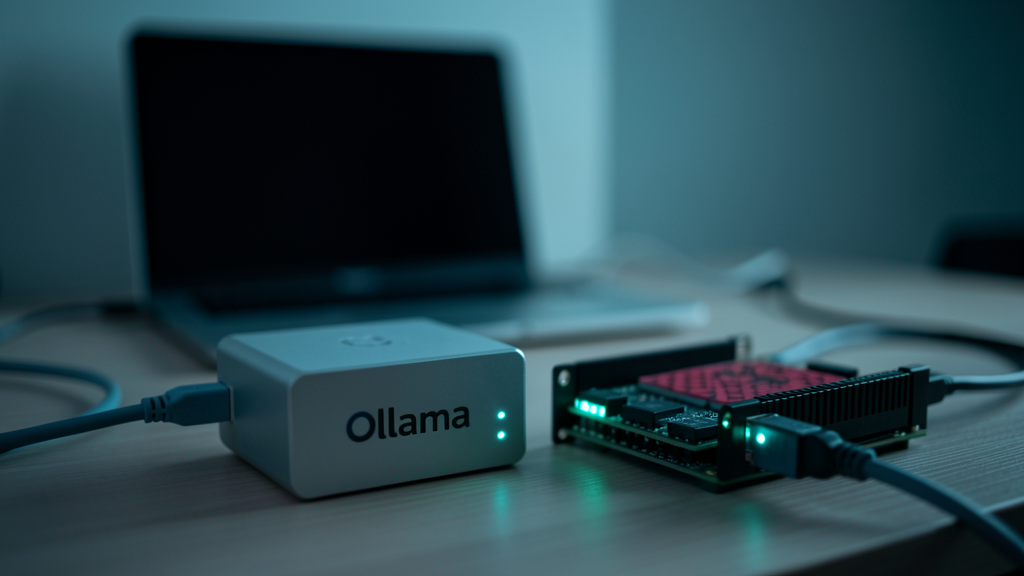
For teams that cannot send code off-site, opencode + Ollama + a Linux box is the whole story. Three commands, no external network calls.
That configuration works on a Raspberry Pi 5 with 8 GB of RAM for the small models (qwen2.5-coder:7b), on an M-series Mac, on any Linux box with a discrete GPU for the bigger models, and on remote boxes you SSH into over WireGuard.
The same five things go wrong across most teams adopting coding agents. Pre-empt them and you’ll move twice as fast.
Pin scope. “Edit only src/auth/, don’t touch tests.” The fastest way to break a green CI is to let the agent rewrite tests.
Always read. If a diff is bigger than ~150 lines, send the agent back with “smaller changes only”.
Keep .env in ~/.gitignore, keep it out of the agent’s context. Add a PreToolUse hook to deny reads of .env and ~/.ssh/.
Some models confidently invent function names that don’t exist in your codebase. The reviewer is you. The diff is the audit log.
Always run the suite after a non-trivial change. Many agents have a “run the tests and fix what’s red” follow-up. Use it.
Autonomous runs eat tokens. Cap spend with --max-budget-usd 1 (or use Ollama).
It is stable enough for daily use by experienced engineers who read every diff. It is not yet a polished product comparable to a paid SaaS. Expect rough edges, especially around long-running sessions and model-specific quirks.
Same shape — terminal-based agent that reads code, proposes diffs, runs commands. opencode is open-source, provider-agnostic, and self-hostable. Claude Code is closed-source, only Anthropic models, and has a more polished TUI. Pick opencode for tunability and on-prem; pick Claude Code for the smoothest plug-and-play.
Yes — Windows and macOS are first-class targets. Linux is where it is most deeply integrated (POSIX, Docker, Ollama, systemd).
By default, prompts go to the model provider you configure. If you use Ollama locally, your code never leaves your network. read the opencode privacy posture for whichever provider you pick.
Locally, in ~/.local/share/opencode/. Sessions are plain JSON you can grep, version-control, or delete.
Yes, via MCP. Build a tiny MCP server that wraps your internal API and opencode will call it the same way it calls any other tool.
opencode --version to first commit.If you want a structured walkthrough — install, provider, MCP, hooks, full repo migration — subscribe to Deep Tabs. If you want to self-host the whole stack on a Raspberry Pi, the Private Cloud page covers it.